

Overview
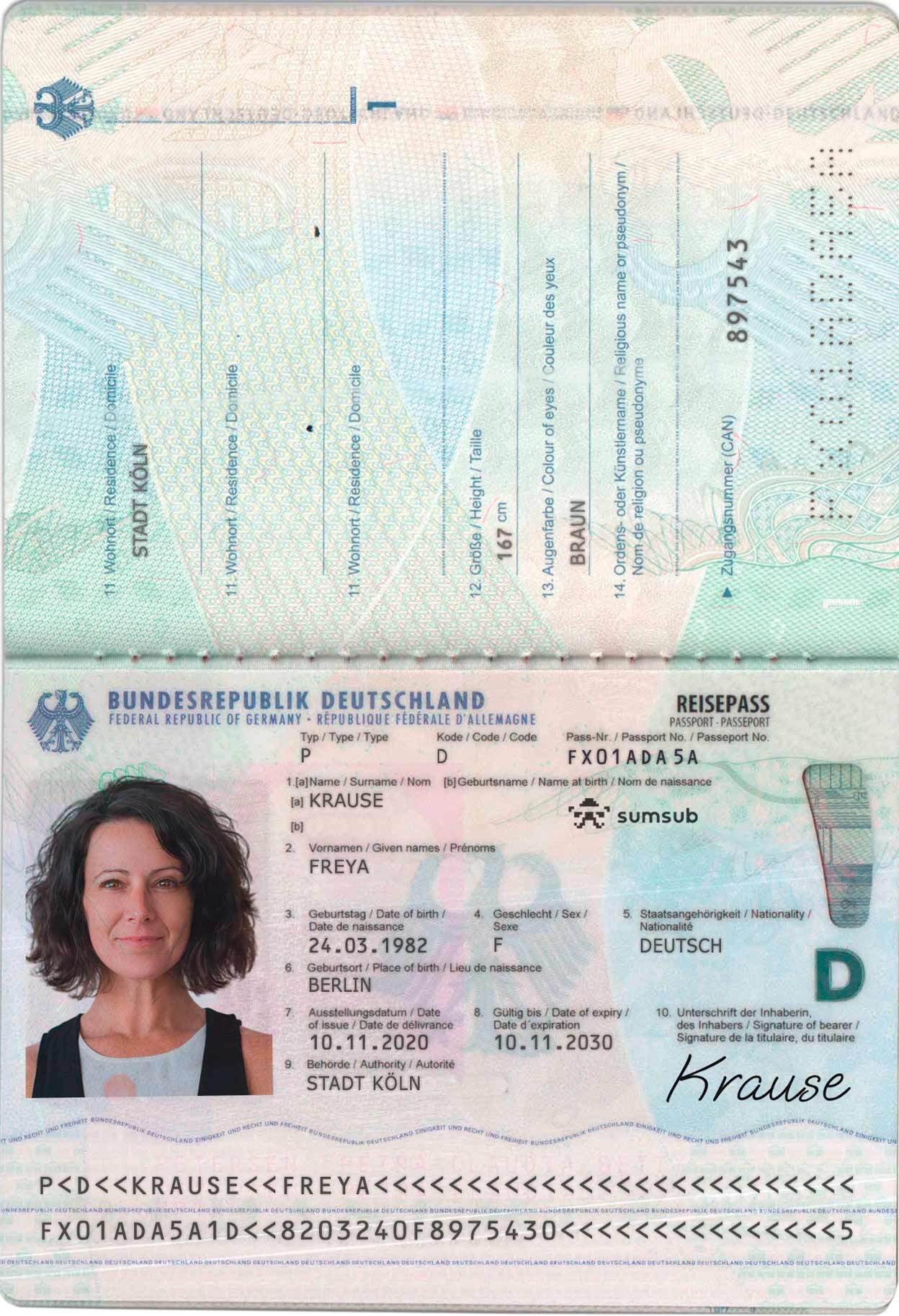
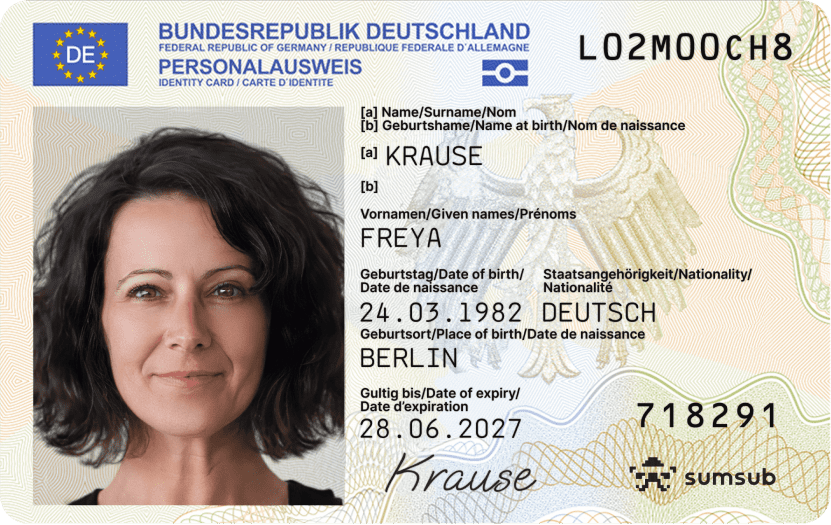
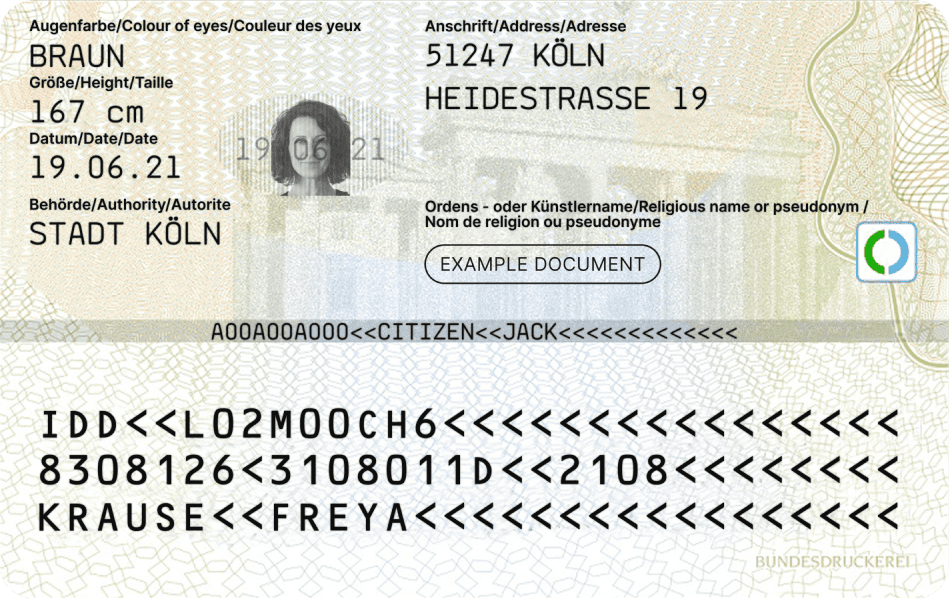
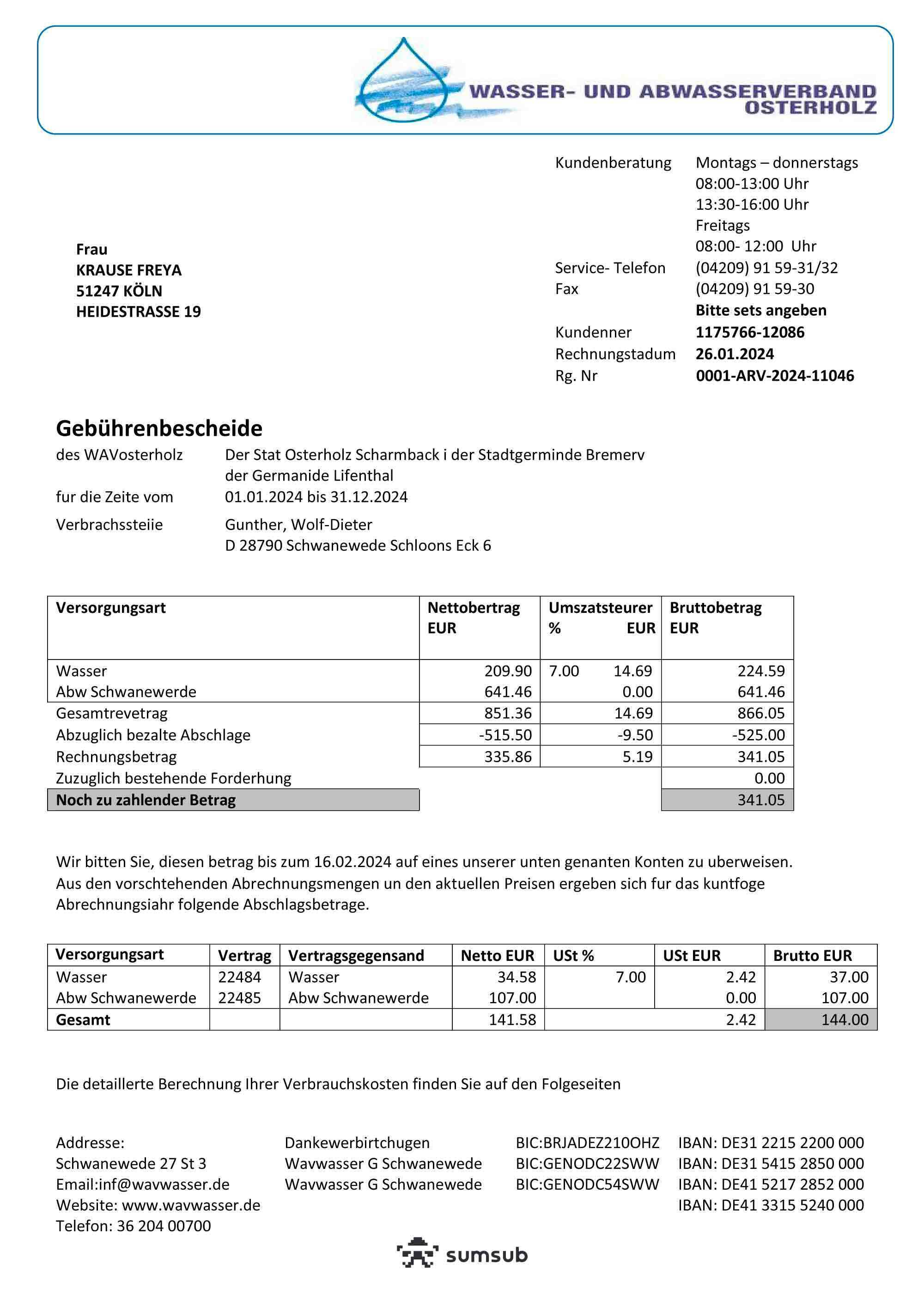
This guide lists document types and exact sample files you can use to trigger specific KYC outcomes for a subaccount.You can use any personal data values you prefer in your request payloads. The outcome is driven by the specific document files linked below.
How to Use These Samples
- Pick the state you want to test.
- Use the matching document type(s) and Cloudinary link(s) from that state.
- Copy the URL from the code block below each preview and paste it as the document source in your KYC upload flow.
- Complete your normal verification submission steps.
1. Approved
Use these files when you want the subaccount to pass verification.Passport
ID Front
ID Back
Proof of Address
2. Failed (Can Retry)
Use these files when you want a failed verification result that still allows a resubmission.ID Front
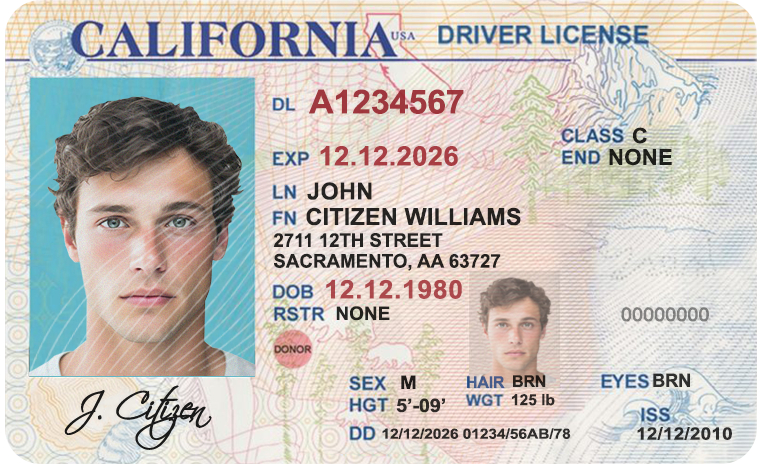
ID Back
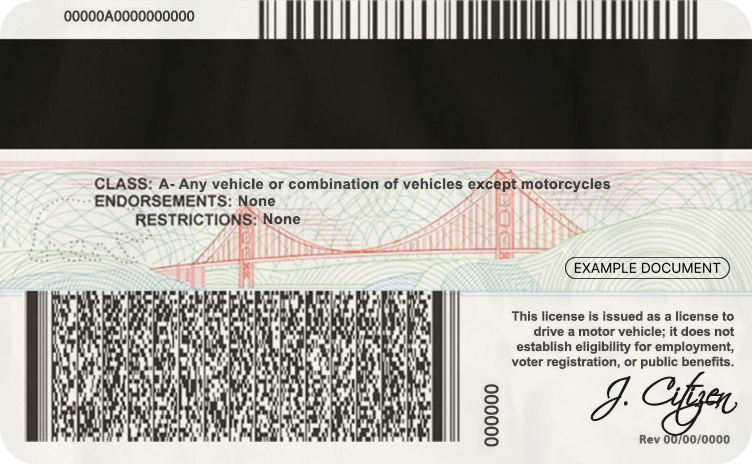
Proof of Address
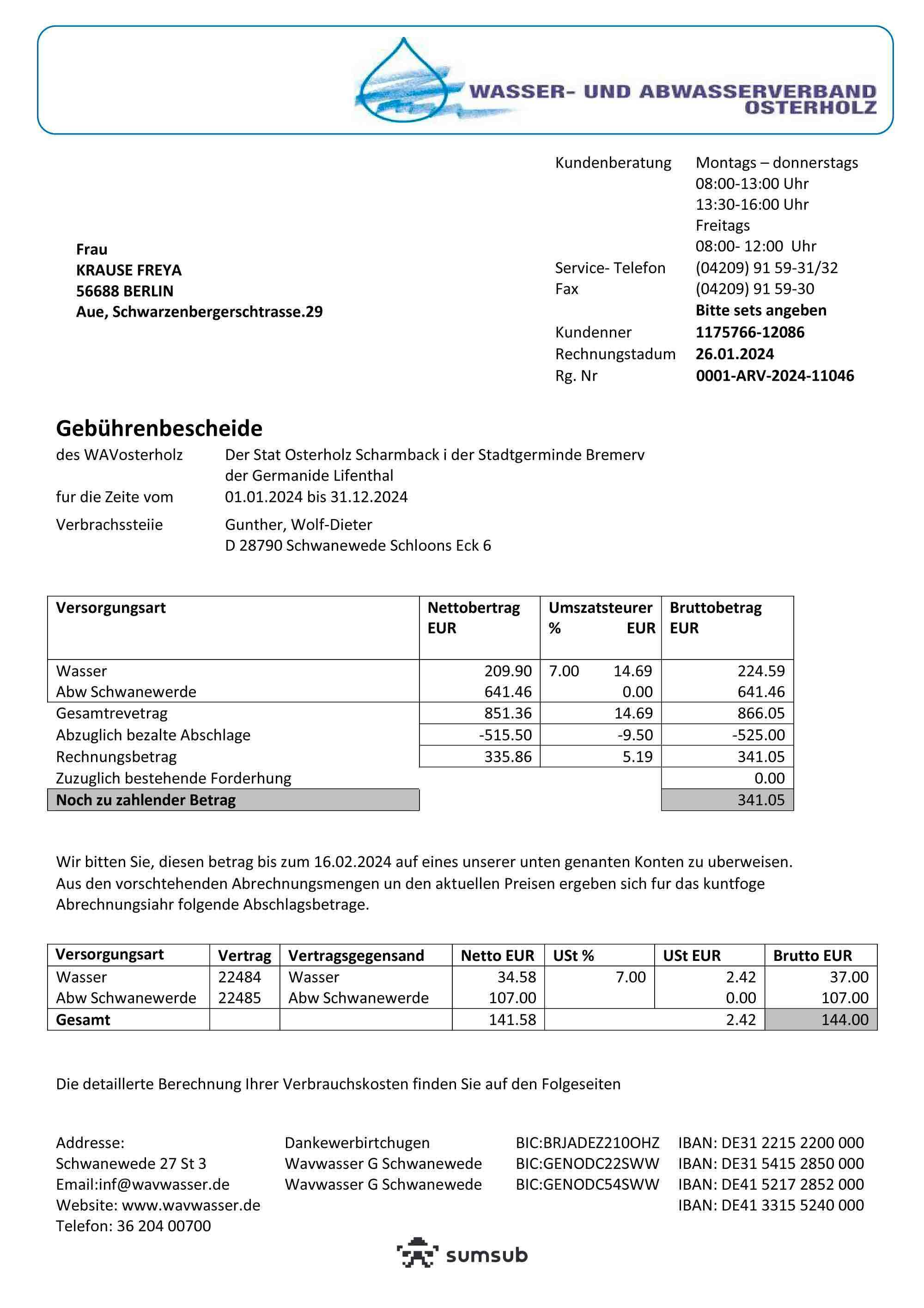
3. Failed (Final)
Use these files when you want a terminal failed verification result (no additional retries expected for that submission).ID Front
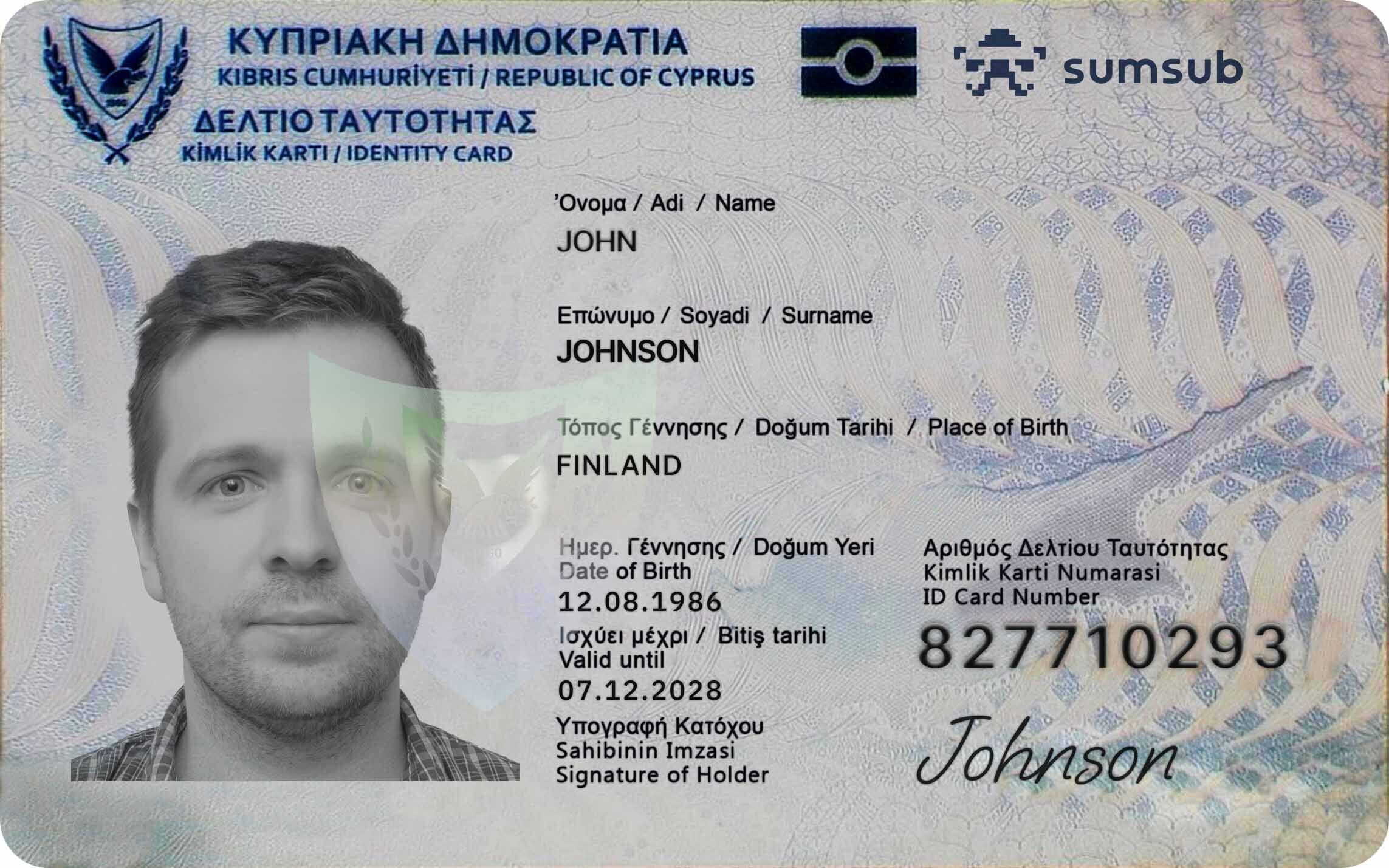
ID Back
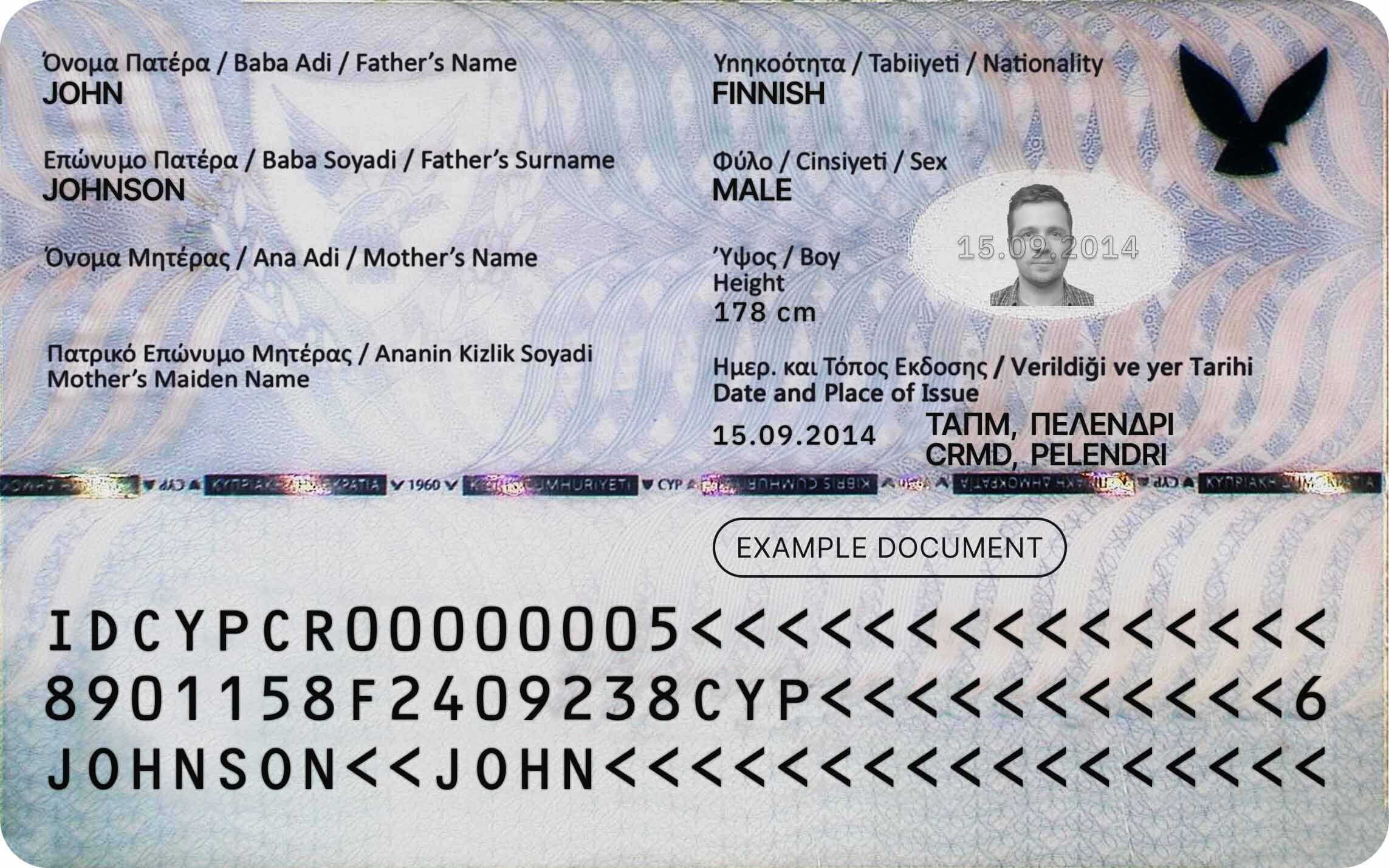
Proof of Address
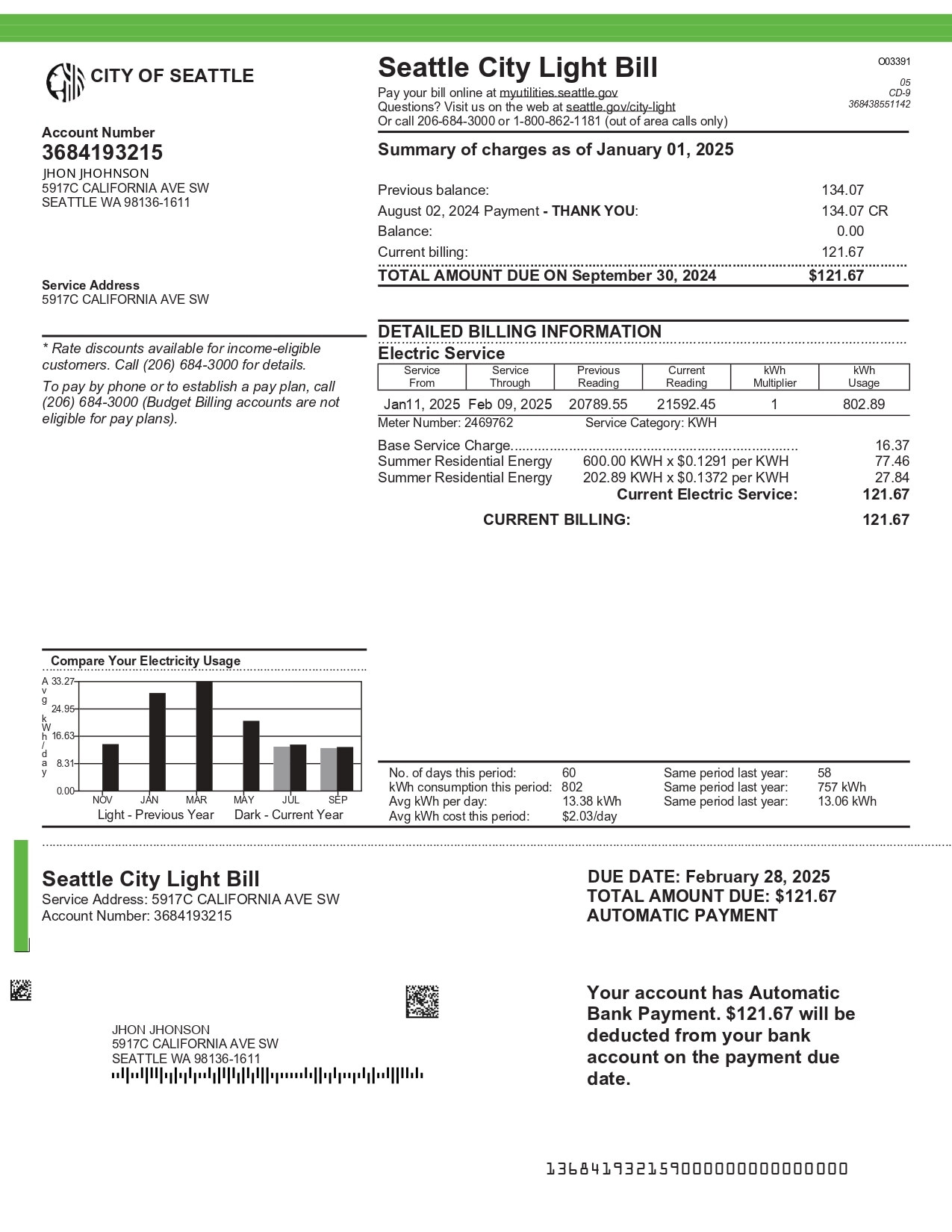
Testing Tips
- Keep document types mapped correctly — do not send an ID image as proof of address.
- Reuse the exact Cloudinary links above when you need deterministic KYC test outcomes.
- If your form supports either file upload or URL input, choose URL input and paste the Cloudinary link.